
The Easiest Way to Design Date Codes for Printing
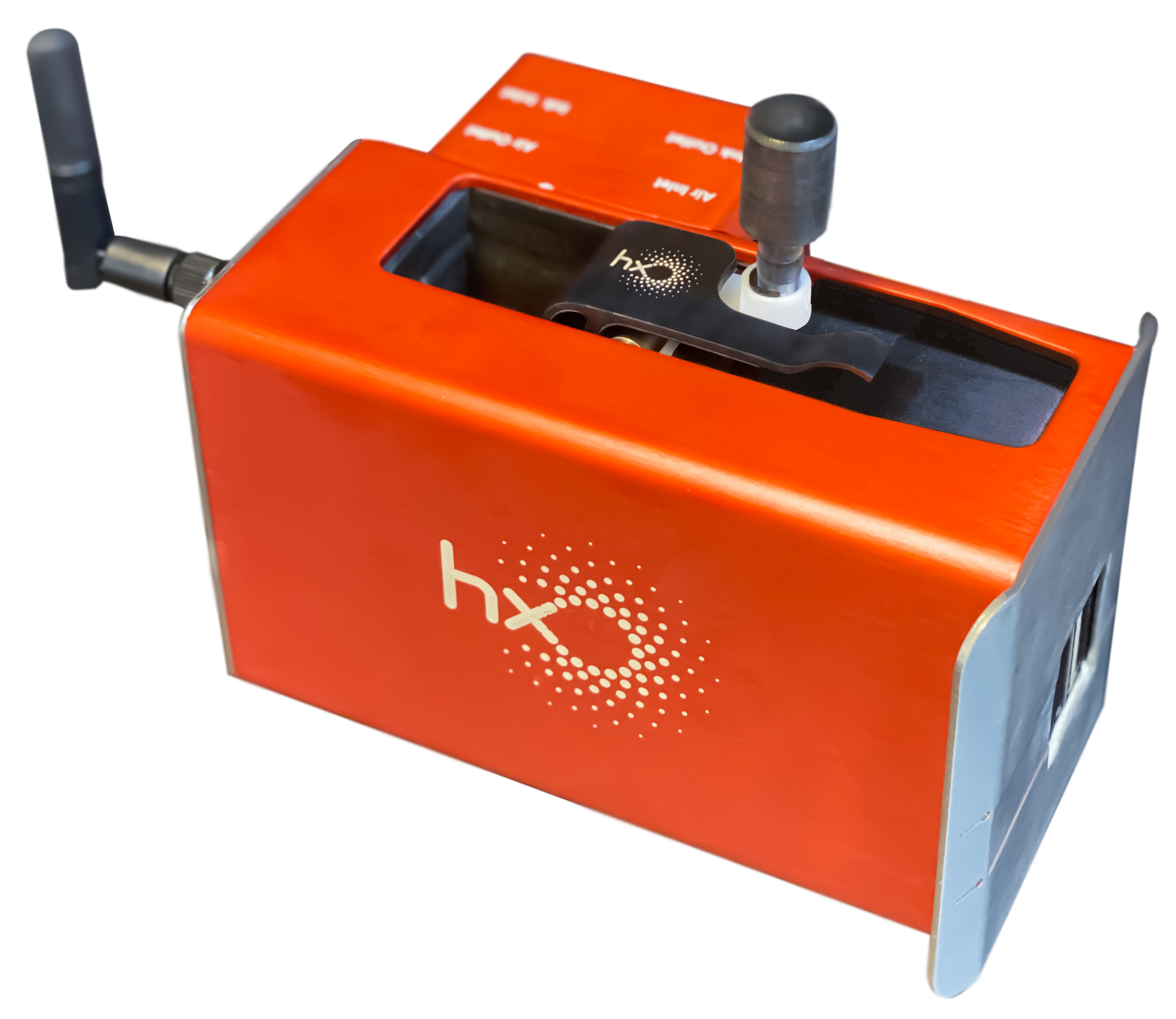
Abant Coding Systems offers simple ways to communicate and send messages to Hx printers using any smart device, such as a smartphone, tablet, or computer, without needing an internet connection.
1) Direct IP Address Connection – This communication is established by connecting the smart device to the Hx printer's internal Wi-Fi. Once connected to the printer's Wi-Fi, a default IP address can be used in a web browser like Google Chrome to access the Hx Manager.
2) Connection via Private Access Point or Router – This method is useful when connecting to multiple Hx printers on a production line. Operators using a router as an access point can control the printer and design messages using a single smart device.
3) USB Port Connection - Every Hx printer is built with a micro USB port. This port can be used to connect the Hx printer directly to any Windows-based computer (using a USB cable). Vanguard Create software is then used to design messages and communicate with the Hx printer using a cable, bypassing the internal Wi-Fi.
4) RS232 Connection - Used for connecting to external devices for variable external data printing, such as PLCs and weighing scales.
Learn more about Abant’s industrial inkjet printer series: www.abantpack.com
abantjet.com
Coding and Marking Solutions
Visit abantjet.com for detailed information about inkjet coding machines, TIJ printers and industrial marking systems.